
G2 recognition badge
AI video creation in one workspace
All-in-One ai studios AI Video Generator
Turn an idea into a video-making brief.
Topic to Video
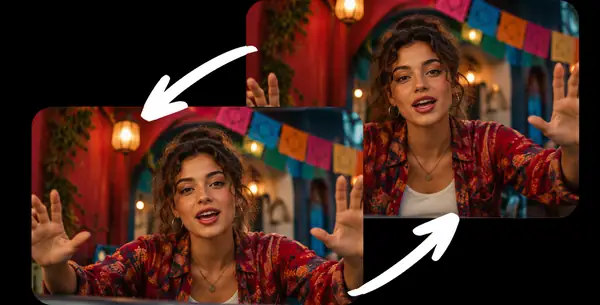
Dubbing AI
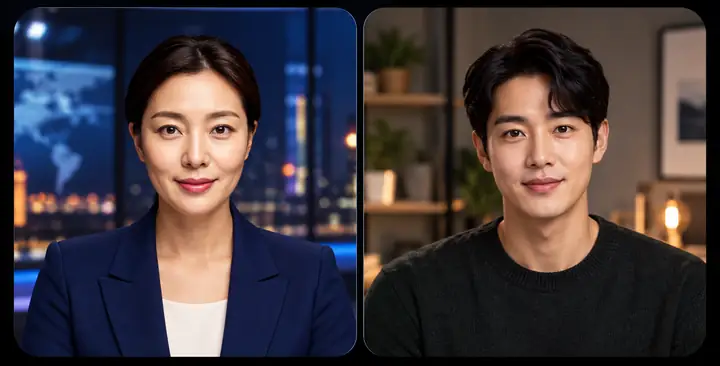
Custom Avatar
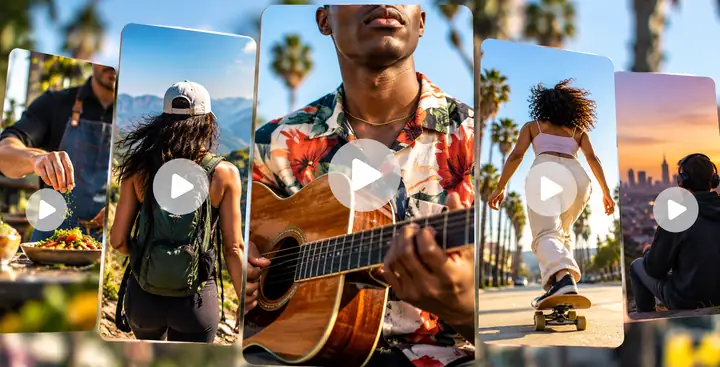
Video Generator

Product to Video
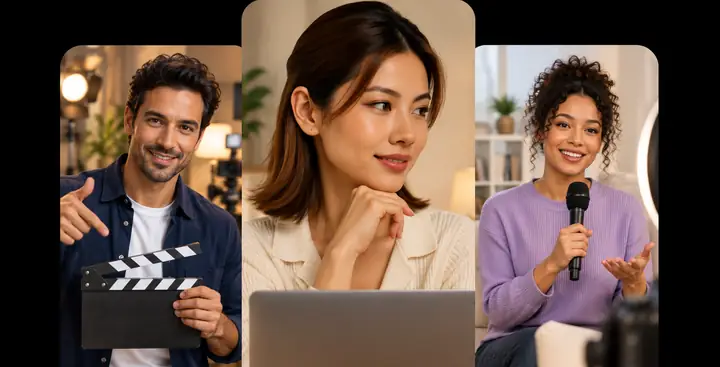

Made for creators
and teams everywhere
and teams everywhere
PFIZERKellanovaLGHSBCLOTTESAMSUNG
A SIMPLER VIDEO WORKSPACE
Your online AI STUDIO for video editing
Bring creation, editing, voice, and translation into one approachable workflow.
CreateEditTranslatePublish

AvatarsReady-to-use presenters
VoiceSpeech and language tools
TemplatesLayouts for every story
CREATE CONTENT THAT CONNECTS ON A HUMAN LEVEL
Create Your Own Realistic AI Avatar in AI STUDIO
Explore ready-to-use presenters or build a character suited to your story, product, or audience.
Explore avatarsReady-to-Use AI Avatars
Find a video presenter that fits the tone of your message and bring your script to life.
Create with an avatar
Custom Avatar
Explore how a personalized on-screen presenter could fit your video workflow.
Explore custom avatars


INTERACTIVE AVATAR
Interactive Avatars & Conversational AI Agent
That Connects with Visitors Around the Clock
Explore ways a conversational video presenter could support questions, guidance, and training.
Explore interactive avatars
REAL-TIME AI AVATAR
One Conversational AI Agent.
One Conversational AI Agent.
Every Customer.
Every Channel.
See how an interactive presenter can make digital conversations feel more natural across customer touchpoints.

CUSTOM AVATAR

Create Your Own Live Avatar
Shape a presenter’s appearance and tone around the experience you want to create.
BRAND CONTEXT
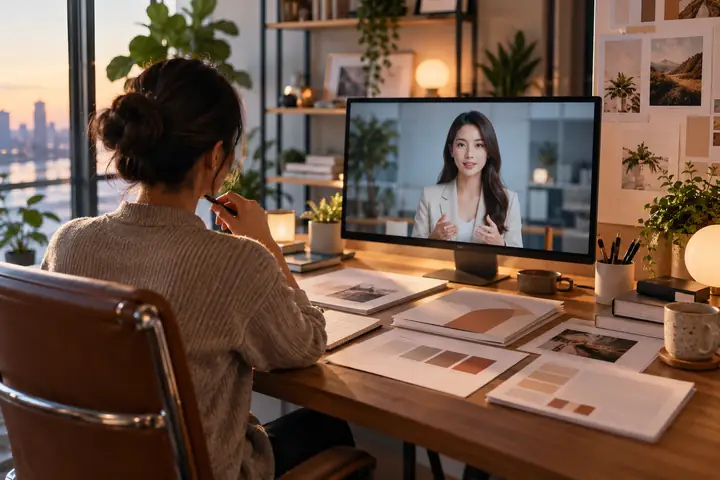
AI That Knows Your Brand
Explore ways to give a digital experience useful context about your products and message.
MULTI-CHANNEL

Connect Across Screens
Imagine a consistent presenter experience wherever your audience finds you.
INTERACTIVE VIDEO & COURSE BUILDER
Interactive Training Videos That Keep People Engaged
Bring presenters, lessons, and interactive moments together in a more engaging learning experience.
Explore training videosCOURSE BUILDER
Everything You Need to Build Training Videos and Complete Courses
Organize your ideas into clear lessons that are easier to follow and share.

AI AVATAR
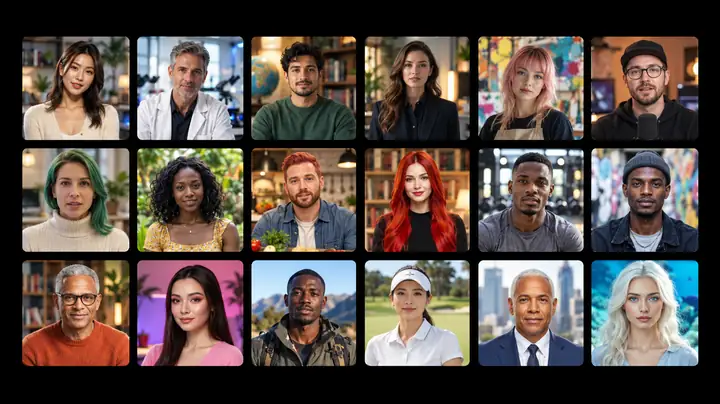
Training with AI Avatars
Choose a presenter whose style suits your lesson and audience.
INTERACTIVE
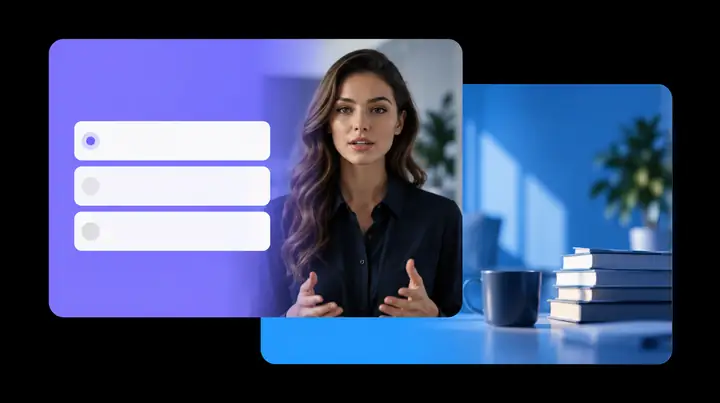
Questions and Decision Points
Turn a video lesson into a more participatory experience.
SHARING
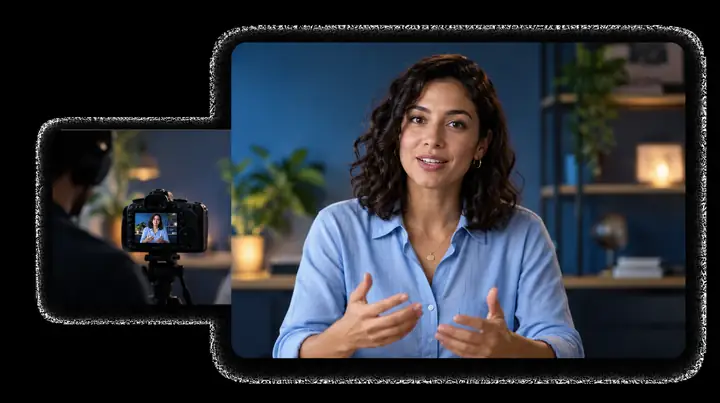
Prepare Lessons to Share
Bring training videos into the learning workflow that fits your team.
DUB & TRANSLATE VIDEOS WITH AI
Engage Globally with Dubbing AI
Explore voice and language tools that help a video speak to audiences beyond its original recording.
Explore AI dubbing
MULTI-LANGUAGE
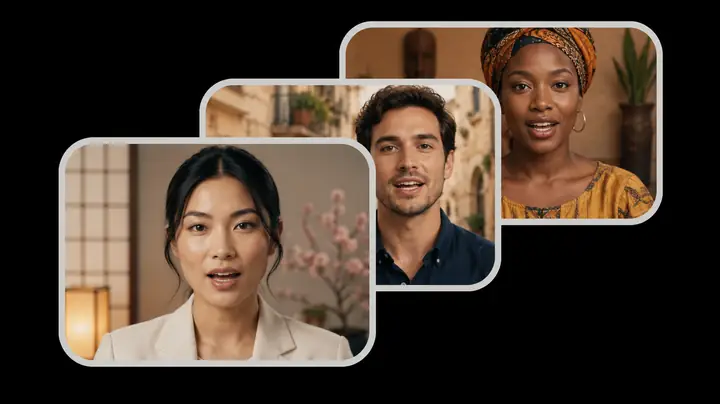
Dubbing for More Audiences
Consider how a translated version can help more people connect with your story.
MULTI-SPEAKER
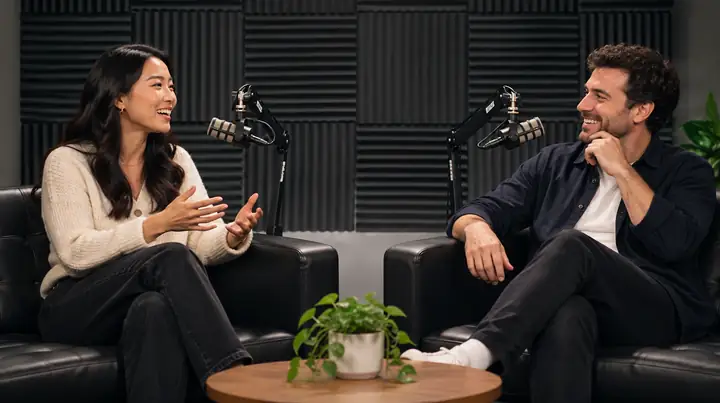
Multi-Speaker Video
Keep conversations clear when a video features more than one voice.
REVIEW
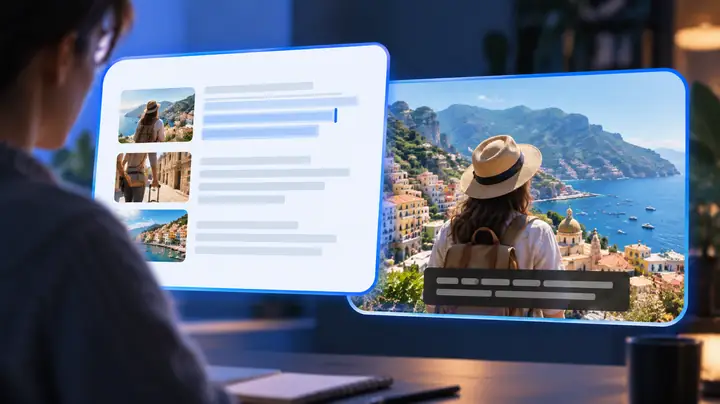
Review Every Detail
Give translated words and timing the attention your message deserves.

Generative AI Text, Image and Video
Imagine a scene, describe its mood, and take the idea into a creative video workspace.
Explore video creationFor YouTube, TikTok & Reels Creators
Start with a product, a topic, a document, or a link, and plan a video that suits your channel.
Start a videoProduct to Video
Turn the details that make a product interesting into a concise video story for your audience.
Explore product videos
Topic to Video
Begin with a subject and shape a story around the ideas that matter most.
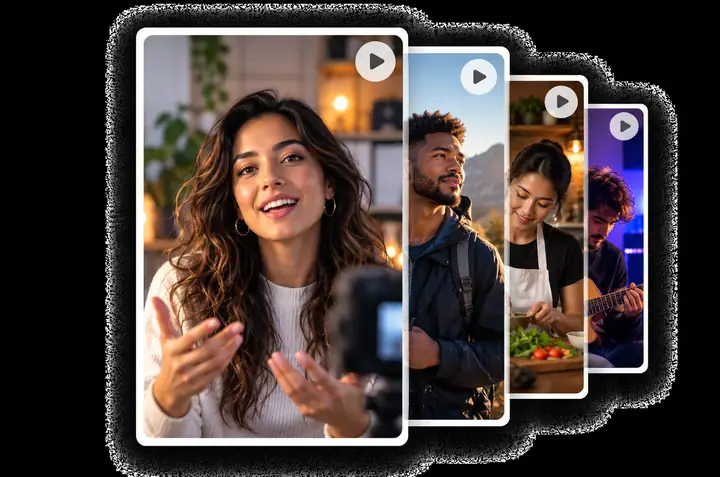
Docs to Video
Explore ways to turn written material into a video people will want to watch.
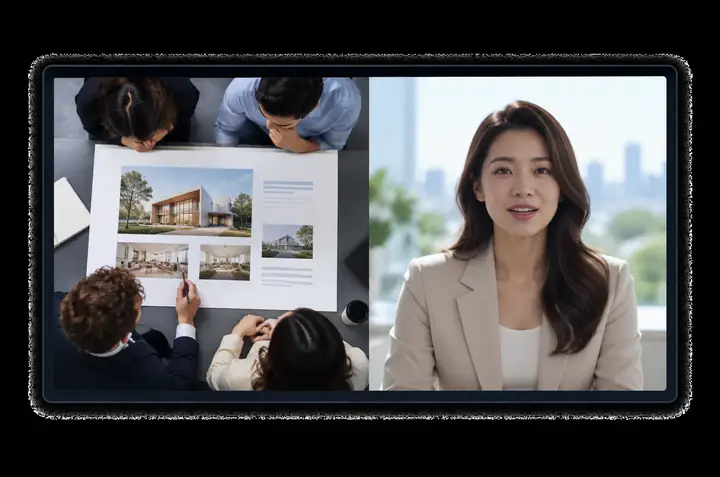
URL to Video
Use a page as the starting point for a fresh visual explanation.
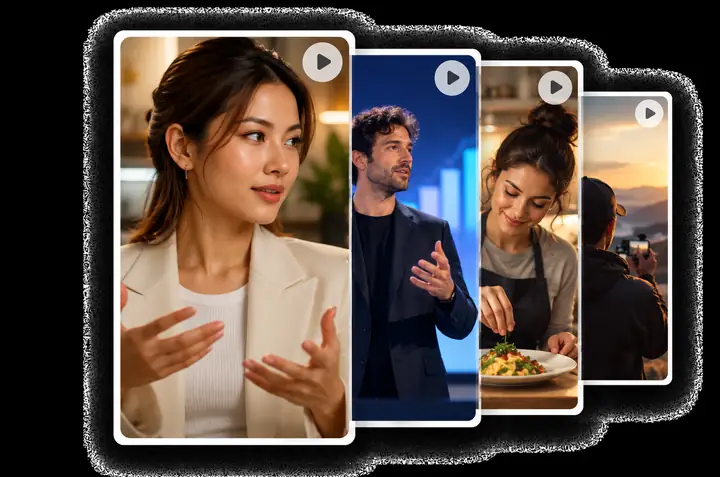
AI STUDIOS Enterprise
Explore video workflows designed for teams that value consistency, collaboration, and dependable support.
Explore team video creationSave Time and
Reduce Rework
Key ideas
- Repeatable video workflows
- Clearer production handoffs
- Room to create as a team
Keep Everything
On-Brand
Key ideas
- Consistent visual direction
- Reusable creative choices
- A recognizable voice
Thoughtful Team
Workflows
Key ideas
- Clear ownership
- Organized collaboration
- Review before sharing
Dedicated
Support
Key ideas
- Help when questions arise
- Guidance for new workflows
- Support for your team
Connect Your
Existing Systems
Key ideas
- Consider your current tools
- Plan a smoother handoff
- Keep work organized
Team Collaboration
and Permissions
Key ideas
- Work together on videos
- Coordinate feedback
- Share with confidence
More Than Just an AI Video Generator
Explore video experiences that go beyond a finished clip.
Explore the possibilitiesConversational
AI Avatar
Explore digital presenters designed for a more personal conversation.
Learn more

Creative Video Models and AI STUDIOS
Different creative tools serve different moments. Find a workflow that fits the video you want to make.
Cinematic Video
Explore visual storytelling for scenes, atmosphere, and movement.
Short Motion Clips
Consider concise visual moments for a larger story.
All in one
AI STUDIOS
Video ideas
Editing
Voices
Sharing
Model Experiments
Explore what different generative approaches can create.
Imaginative Scenes
Find inspiration for the look and feel of a short clip.
AI STUDIOS is a video creation experience.
Here’s what to explore:
MoreWays to Tell a Story
OneCreative Workflow
YourNext Video Idea
AI STUDIOS Makes Video Creation
More Approachable for Everyone
From a first idea to a finished story, a clear creative process helps individuals and teams make videos with more confidence.
Start creating★★★★★
A clear starting point can make it easier to move from a rough idea to a video brief.
For creators★★★★★
Presenter-led video can give an explanation a more human feel.
For educators★★★★★
A shared visual direction helps a team tell a more consistent story.
For teams★★★★★
Short videos offer another way to introduce a product or an idea.
For marketersWe’re Here to Answer All Your Questions
What is an AI video generator?
It is a tool for turning an idea or other source material into a video-making workflow with AI assistance.
What can I explore with AI STUDIOS?
Explore ways to plan videos, work with presenters, and develop stories for different audiences.
Can I start with an idea instead of footage?
Yes. Write your idea in the prompt above to carry it into the video workspace.
How do I choose a format for my video?
Think about your audience, where the video will be viewed, and the one message it should leave behind.
Can I plan a presenter-led video?
Yes. Describe the presenter, setting, and tone you have in mind when you begin.
What makes a useful video prompt?
Include the subject, intended audience, approximate length, visual mood, and desired takeaway.
Can I make videos for different audiences?
You can start with a brief tailored to customers, teammates, learners, or social viewers.
Can a document inspire a video?
A document can be a helpful source for outlining the key points you want a video to explain.
How does AI STUDIOS fit into a creative workflow?
Start with the message, develop a visual approach, then review the result with your audience in mind.
Is AI STUDIOS the same as Google AI Studio?
No. The names refer to different products. This page focuses on exploring AI-assisted video creation.
How do video creation tools differ?
Some focus on presenters, some on editing, and others on generating scenes. Choose according to the result you need.
What helps an AI video feel polished?
A concise script, consistent imagery, understandable audio, and a final human review all help.
How can marketers and educators use video?
They can explain products, introduce concepts, welcome learners, and make information easier to follow.
What should I review before sharing a video?
Check factual accuracy, rights to source material, captions, names, and whether the message suits your audience.
Where do I continue after writing a prompt?
Submitting a prompt takes you to the linked video workspace, where you can continue exploring the available tools.
AI STUDIOS Blog

How to Choose a Video Topic Your Audience Will Watch
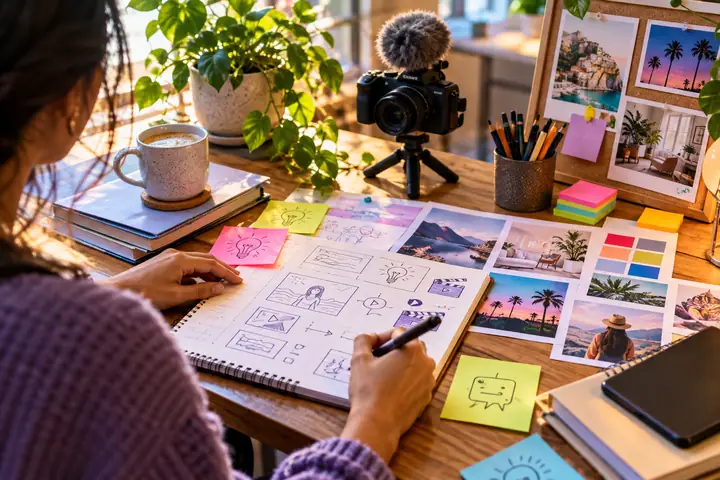
Finding Fresh Ideas for Your Next Video

A Beginner’s Guide to Seasonal Video Stories

Writing Better Prompts for Video Visuals
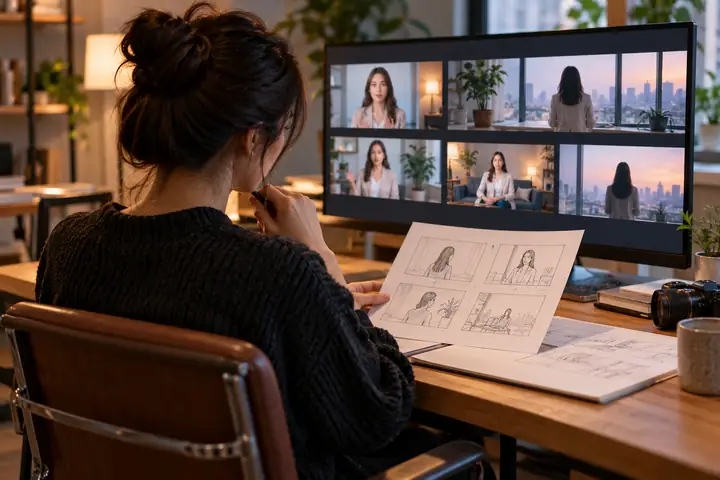
From First Idea to a Shareable Video
Create studio-quality videos from your next idea.
Give your story a starting point and see where a video workflow takes it.
Explore AI Studios